Customize statement & answer sheets
Written By Florian Barral
Last updated Almost 2 years ago
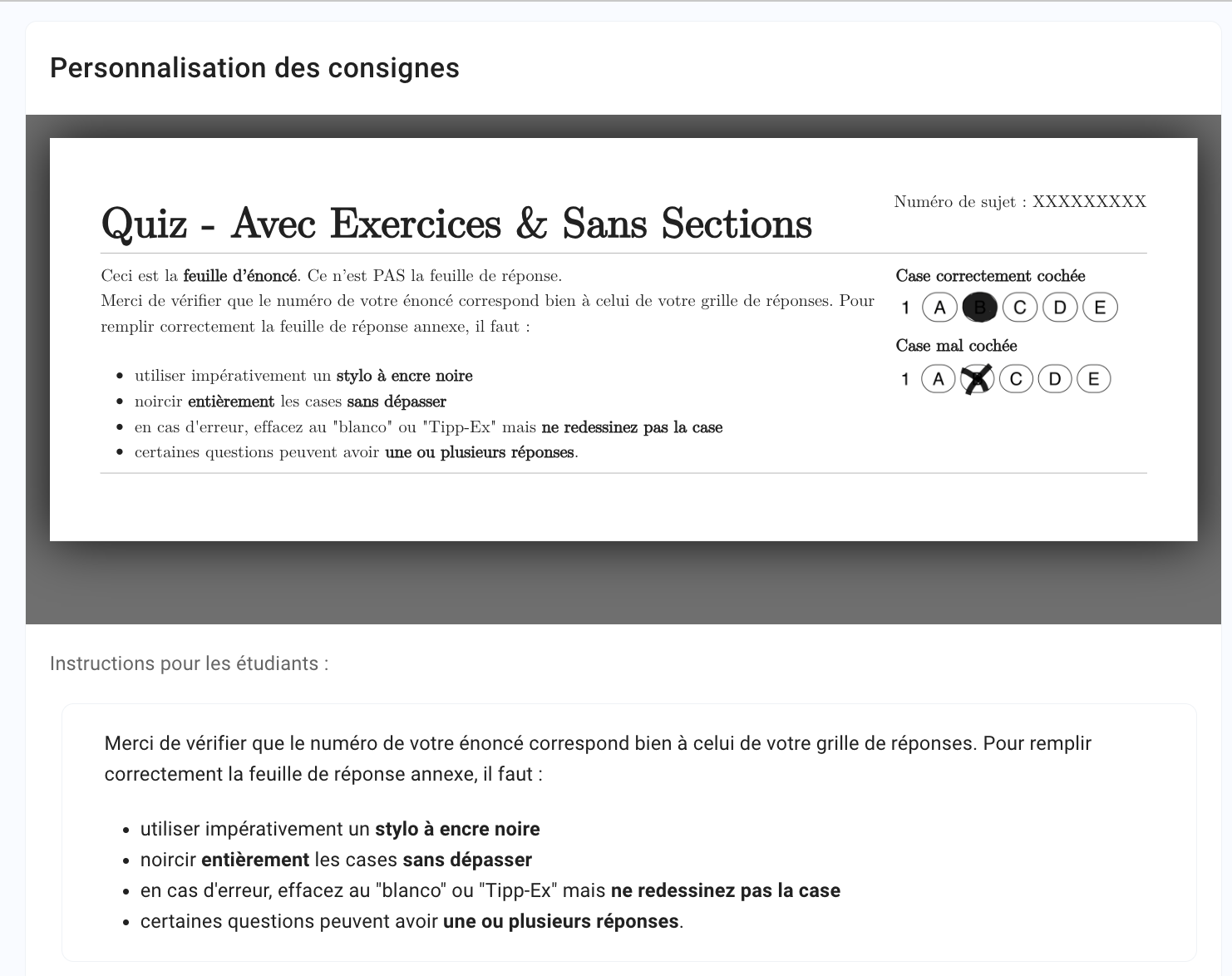
You can modify all the text fields appearing on the subject and grid in the Settings tab in the Customize instructions section.
General instructions
To modify the instructions at the top of the statement sheet.
Custom fields
To customize all the fields that appear on :
Statement sheet
Case correctement cochéeCase mal cochéeNuméro de sujet
Answer sheet / Grid
PRÉNOM (en MAJUSCULES)NOM (en MAJUSCULES)Numéro étudiantNuméro de grilleUne seule réponse correcte. Affiché pour les questions à choix uniqueUne ou plusieurs réponses correctes. Affiché pour les questions à choix multiple
Optimized B&W printing
Activate this option if you're printing in black and white to optimize ink use and contrast.