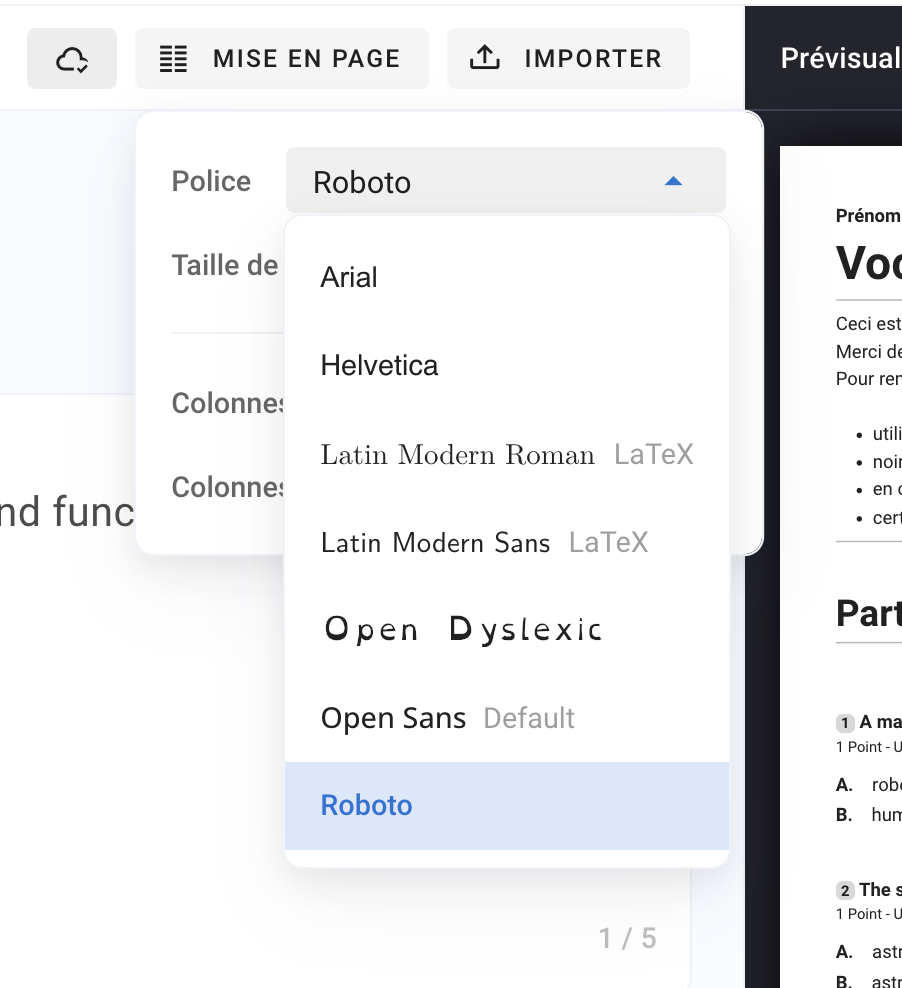
HomeBefore examCreate subjectChange font and font sizeChange font and font sizeWritten By Florian BarralLast updated Almost 2 years agoTo change the font and font size as required, click on LAYOUT in the subject editor and then you have the options :FontFont sizeHere are the fonts supported today:ArialHelveticaLatin Modern Roman (LaTeX with Sérif )Latin Modern Sans (LaTeX without Sérif)Open DyslexicOpen Sans DefaultRoboto