Changelog

Follow new updates and improvements to Papeez.

A new way to organize your exams
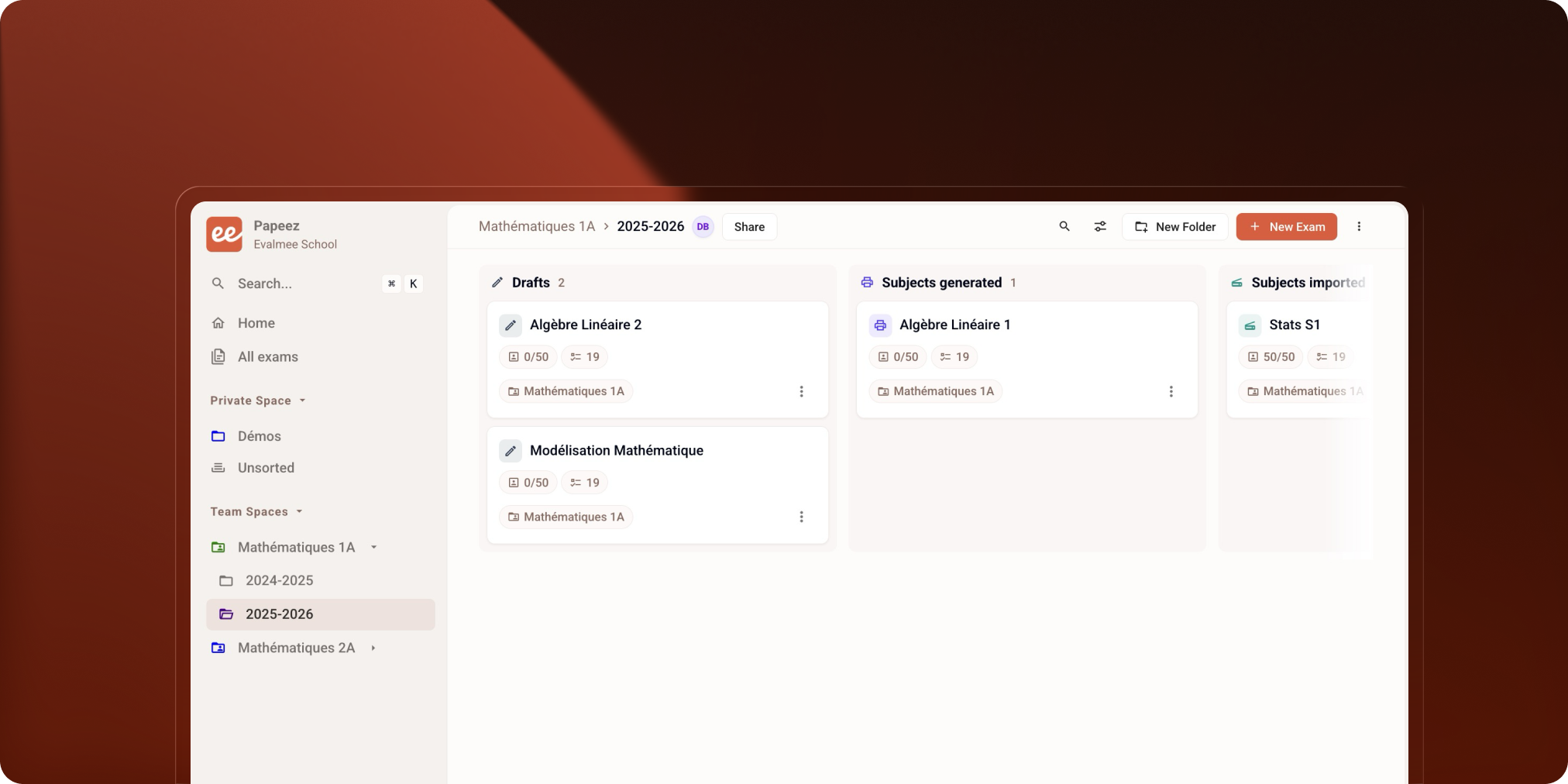
More modern, more readable and better suited to teamwork.

4 things that change:

  • Home focused on your recently opened exams

  • Team spaces clearly separated from your private space

  • Search unified across exams, folders, users

  • Permissions inherited by folder + new Viewer role


Find what you’re looking for faster

The home page shows your recently opened exams. It’s your new daily entry point to pick up where you left off.
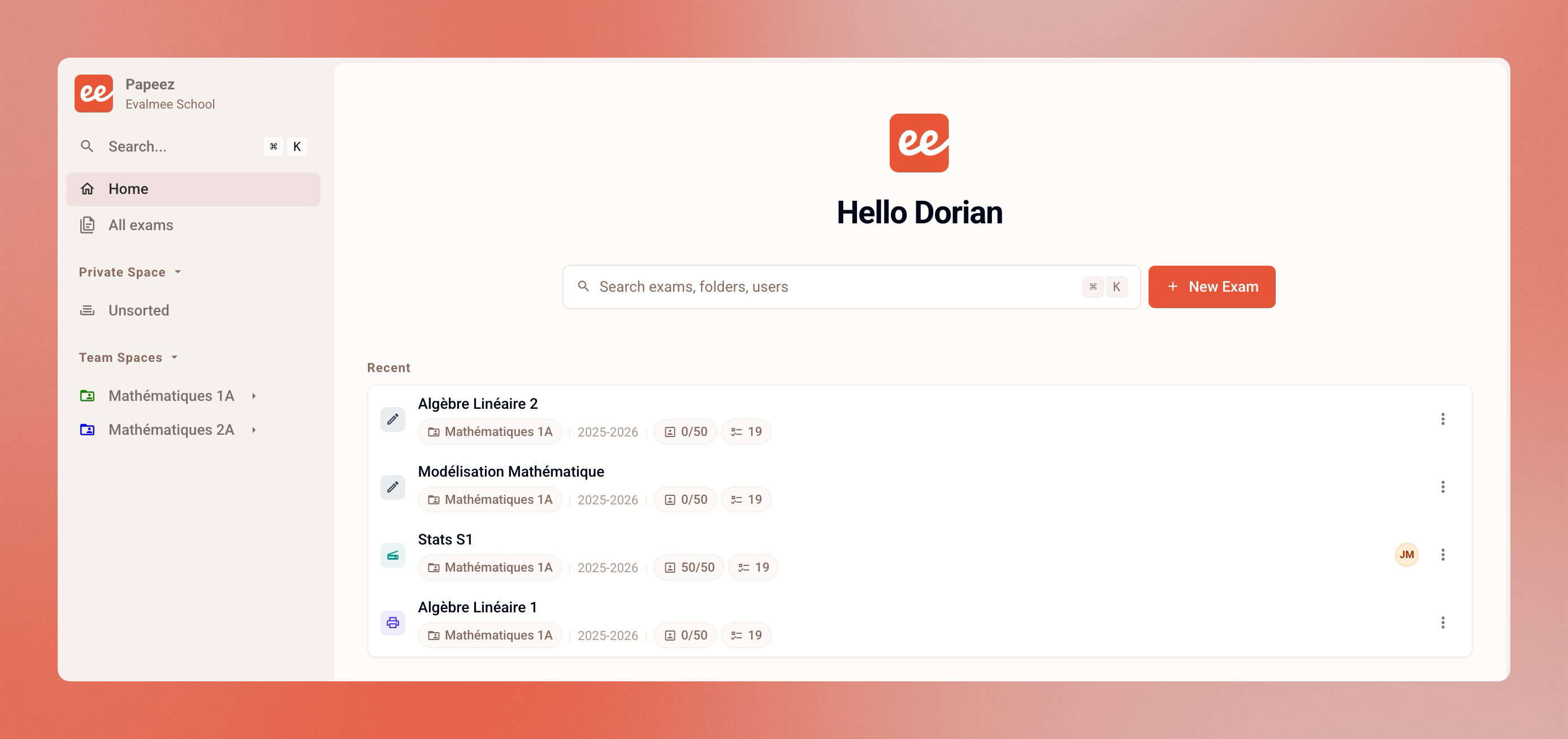
A new All exams page brings together every exam you have access to: private space, team spaces, direct shares.
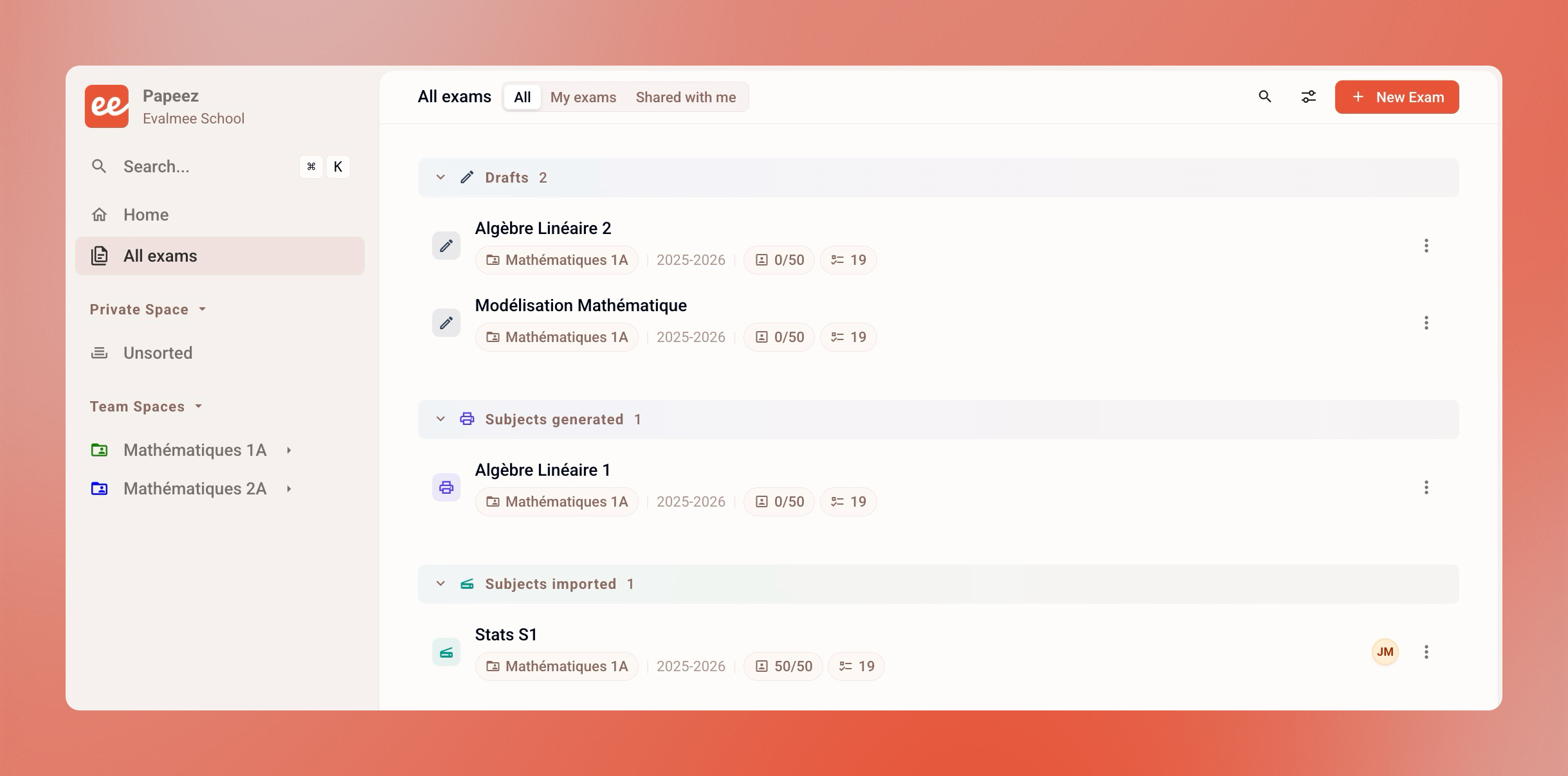
Display them by status (draft, subjects generated, subjects imported, completed) or as columns to track progress at a glance.
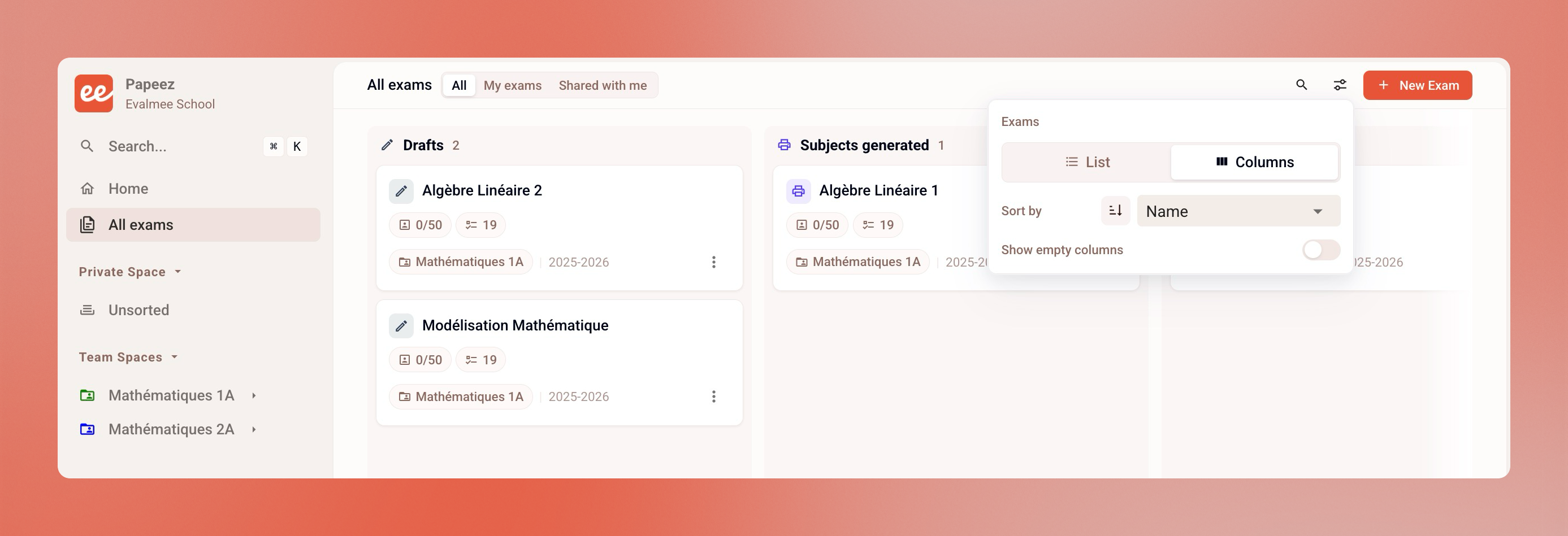

Private space and team spaces

Two work areas, now distinct.

Private space: your personal zone. Private folders are visible only to you. You can still share an exam on a case-by-case basis.

Team spaces: built for collective work. Structure shared folders, share subfolders, give access to multiple teachers without sharing each exam one by one.

→ Learn more: Private space vs. team space

⚠️ Shared exams before May 21?

Their organization may appear differently on your colleagues’ side. We recommend moving them into a team space.

→ Reorganizing my exams with the new files - May 2026


Clearer sharing

Sharing exams and folders is now simpler to understand.
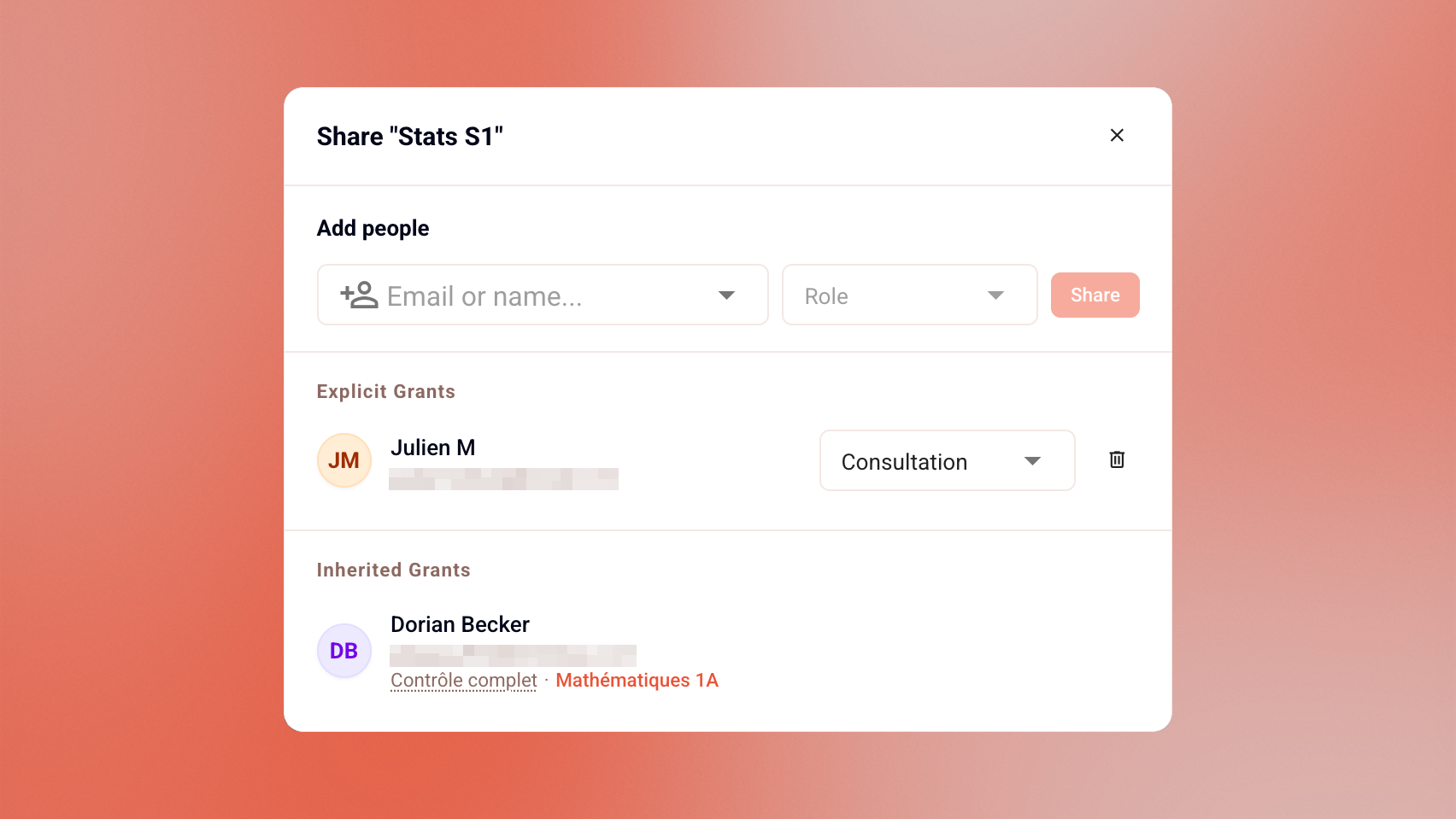
New Viewer role: grant access to an exam without allowing edits. Useful for co-teachers, observers, or academic leadership.

Automatic inheritance: permissions set on a folder or team space apply to everything inside. Subfolders and exams inherit the access defined above. No more reconfiguring permissions at every level.

More roles are coming soon to extend this logic.


A more complete search

Exams, folders, users: search them all from one place.
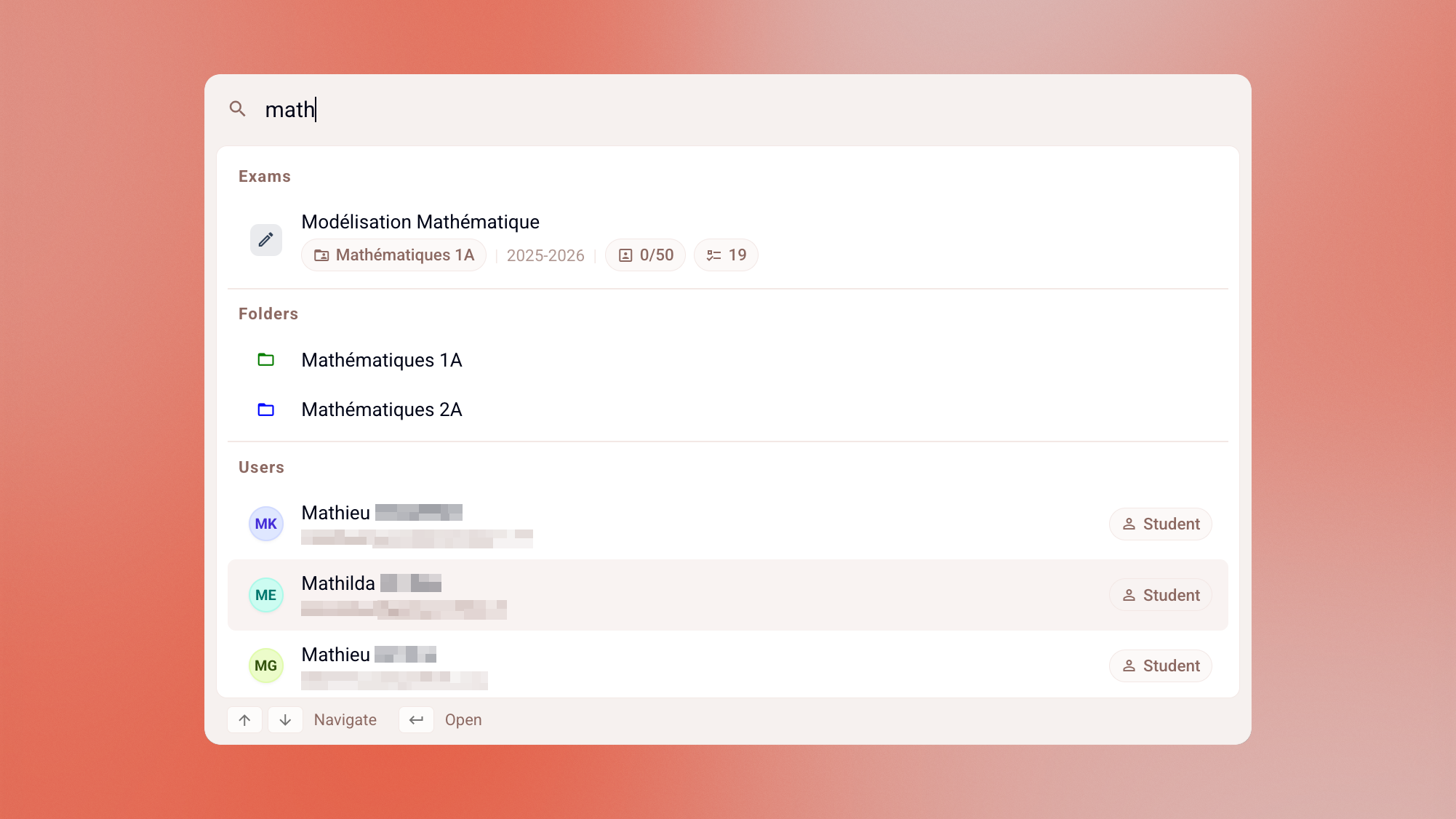
For teachers: quickly find a student to review the exams they’ve taken.

For school admins: a broader view of teachers, students, and exams across your organization.


For school administrators

Search replaces the old admin dashboard. Exams, teachers, students: everything is accessible from the same interface.

Access to every team space in your organization, including ones you haven’t been directly added to. A View all button shows every team space from the sidebar.

Redesigned Directory: manage teachers, students, and groups from the home page. School settings have been reorganized to appear more clearly under user settings.
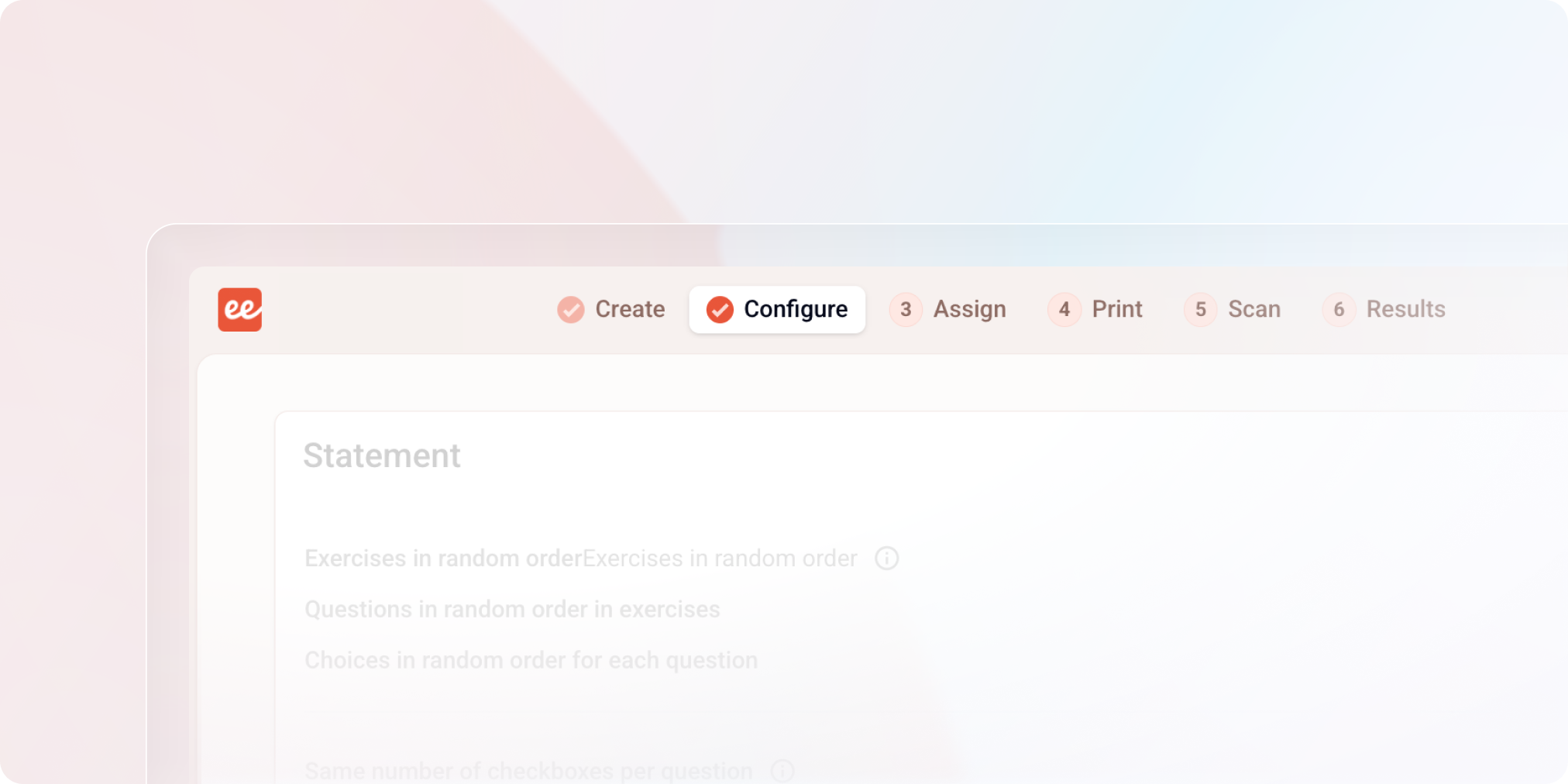

Exam interface redesign

A redesign meant to free up space, make the exam lifecycle more readable, and lay the groundwork for what's coming next.

New color

Papeez is changing colors, moving from blue to coral orange. If you use both Evalmee and Papeez, you'll be able to tell at a glance which app you're on!

New navigation bar

Key steps move to the top of the screen. The left menu disappears to give more room to the content.

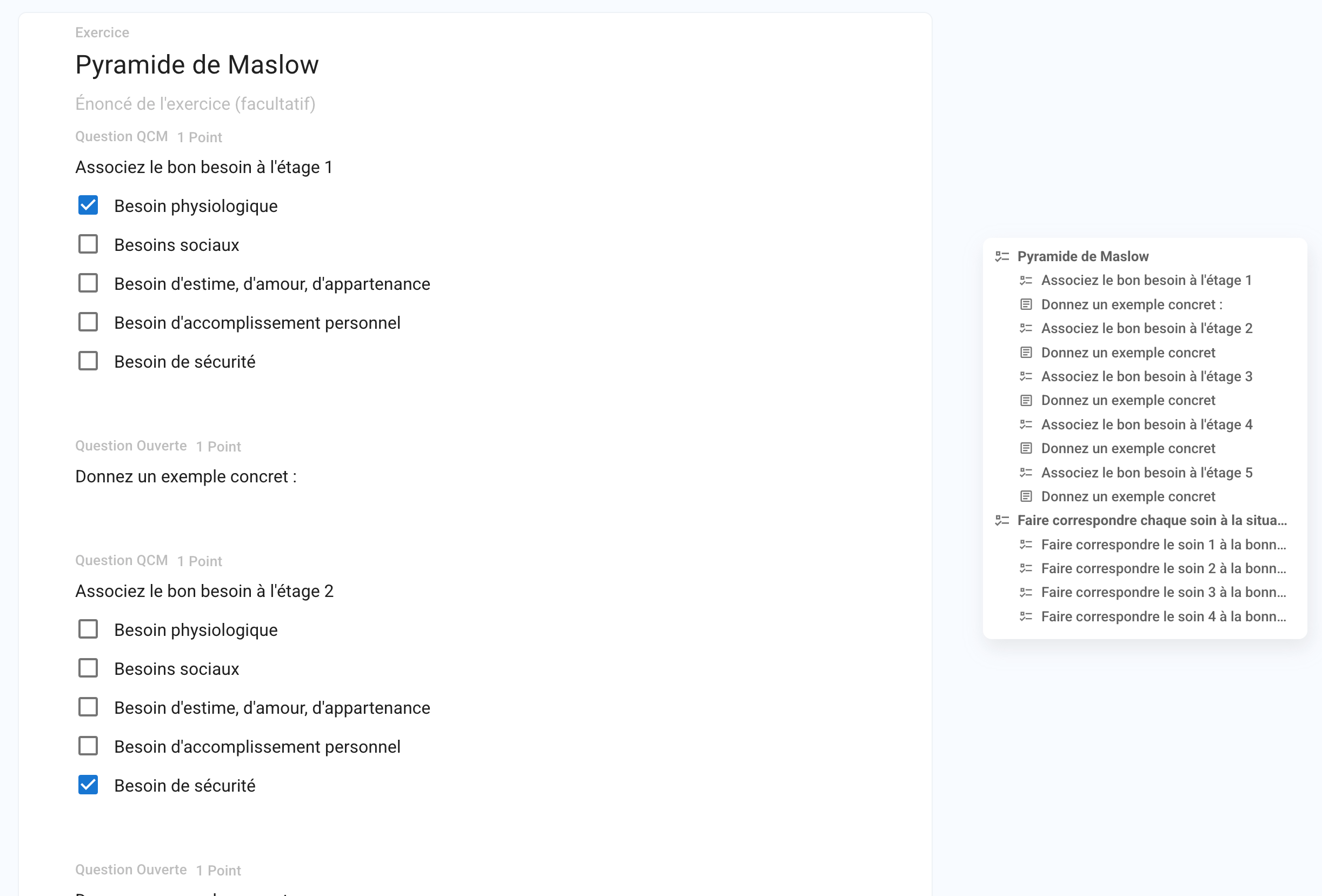
Exam outline always visible

A table of contents stays accessible at all times while creating your exams. Head to the preferences from your profile to position it on the right or left.

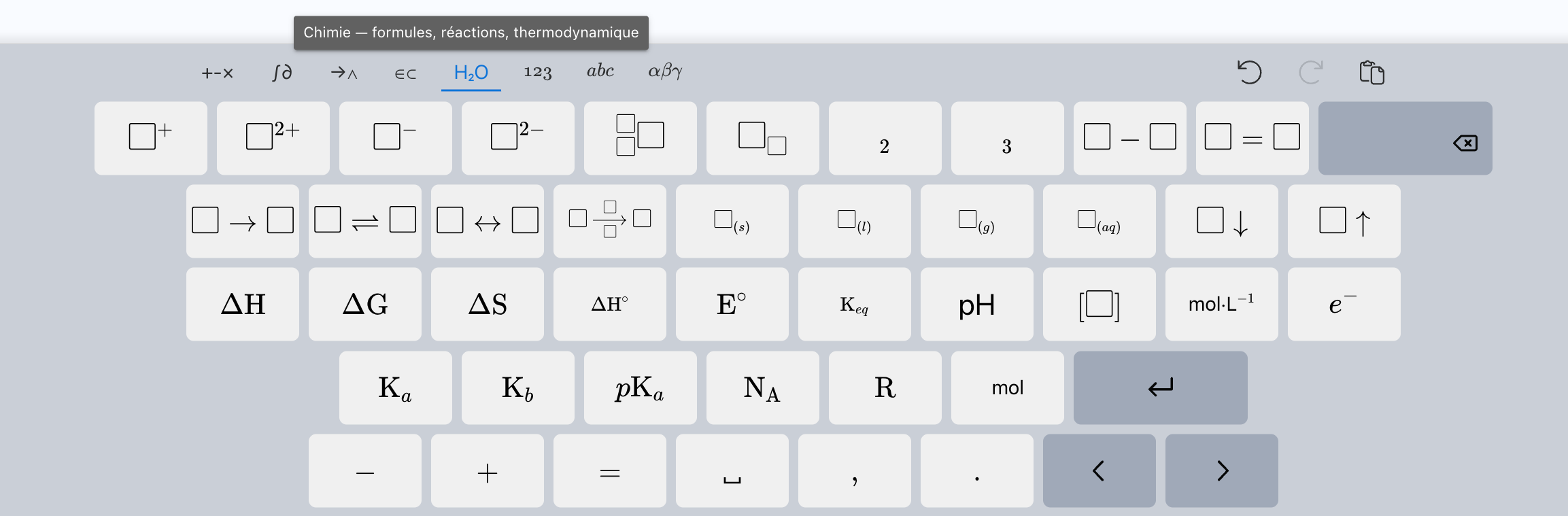
Math keyboard

New shortcuts added for math and chemistry formulas.

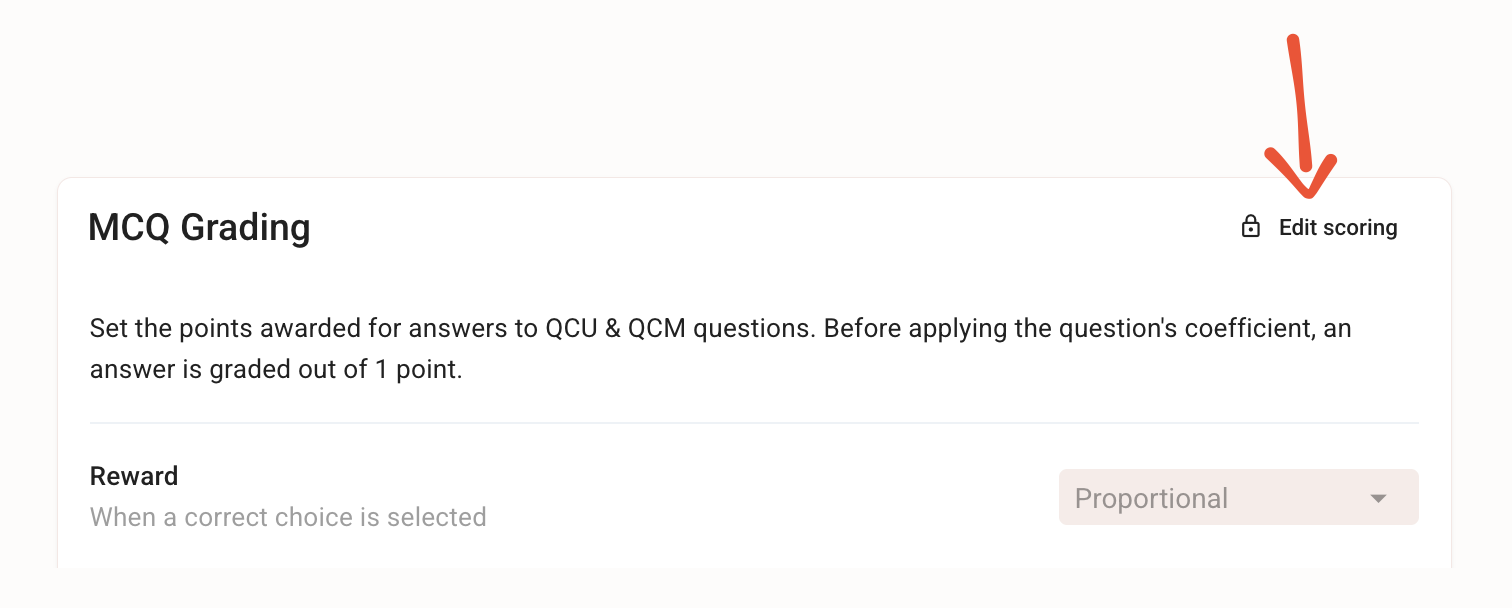
Edit MCQ scoring after the exam

The most requested feature is here. Until now, a miscalibrated MCQ scoring meant Excel exports and manual recalculations to make up for it.

That's over: edit MCQ scoring at any time, even after students have taken the exam. Penalties too harsh, crushing all the grades? Scoring too generous, not reflecting actual performance? Adjust the point calculation rules, and all the MCQs in the exam are re-graded and the scores recalculated instantly. To finally reflect the scoring you had in mind.

Exam sharing changes on May 20, 2026

We've rebuilt exam sharing from the ground up, and a new interface will arrive in a few days.

To get ahead of the changes, you can check out the documentation and our recommendations starting today.

Reorganizing my exams with the new files - May 2026

Untitled document

Share exams with colleagues


✨ Other improvements

  • Exam editor:

    • error message added when removing a question coefficient

    • support for formatting in grading comments

    • support for adding images via copy/paste or drag-and-drop

  • Import examinees by email: support for comma-separated emails

  • Grading: added point gap relative to the average, and improved display

  • Settings: added a table of contents

  • Admin dashboard: improved ordering of exam search results

🐞 Bug fixes

  • Email invitations: improved reliability of email delivery status updates

New Subject Editor

Simpler, Faster, More Reliable, and Collaborative

We’ve rebuilt the Papeez exam editor from the ground up to help you save time — whether you’re creating a quick 5-question quiz or a large exam with hundreds of questions.
And whether you’re working alone or as a team.


✍️ New Visual Editor

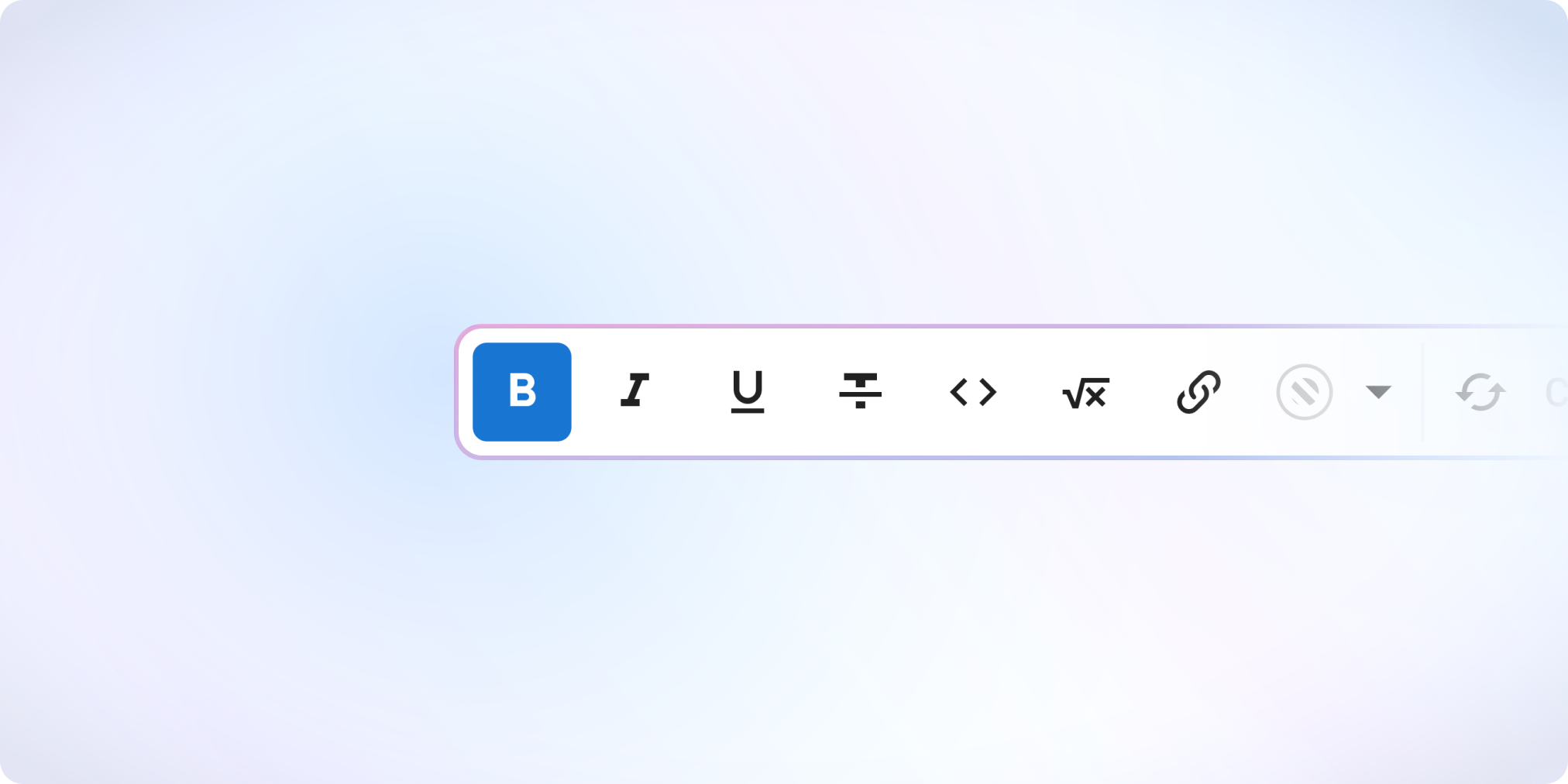
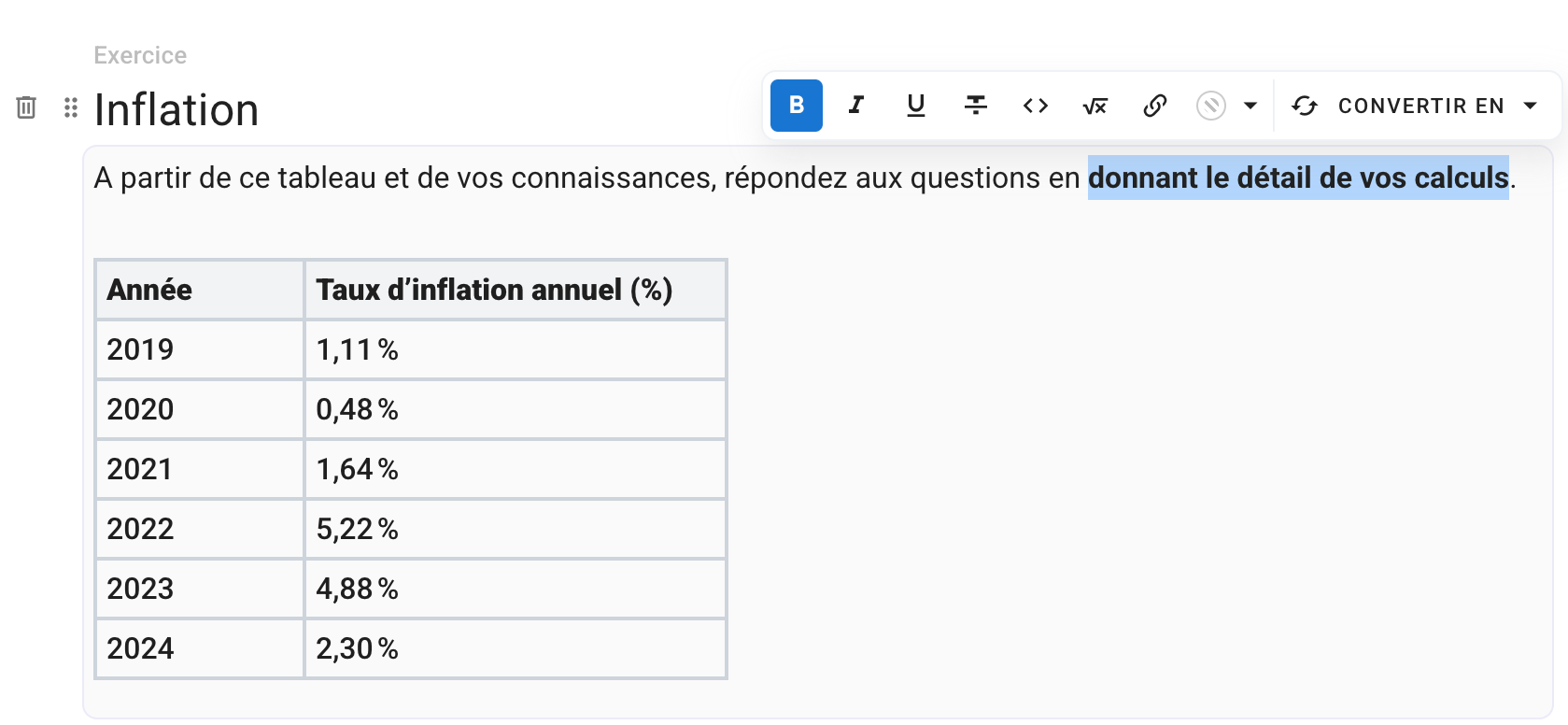
The editor now displays the formatting exactly as it will appear to participants: bold text, colors, headings, math formulas, code blocks — everything is live.
No more hard-coded Markdown or HTML.


🖼️ Images

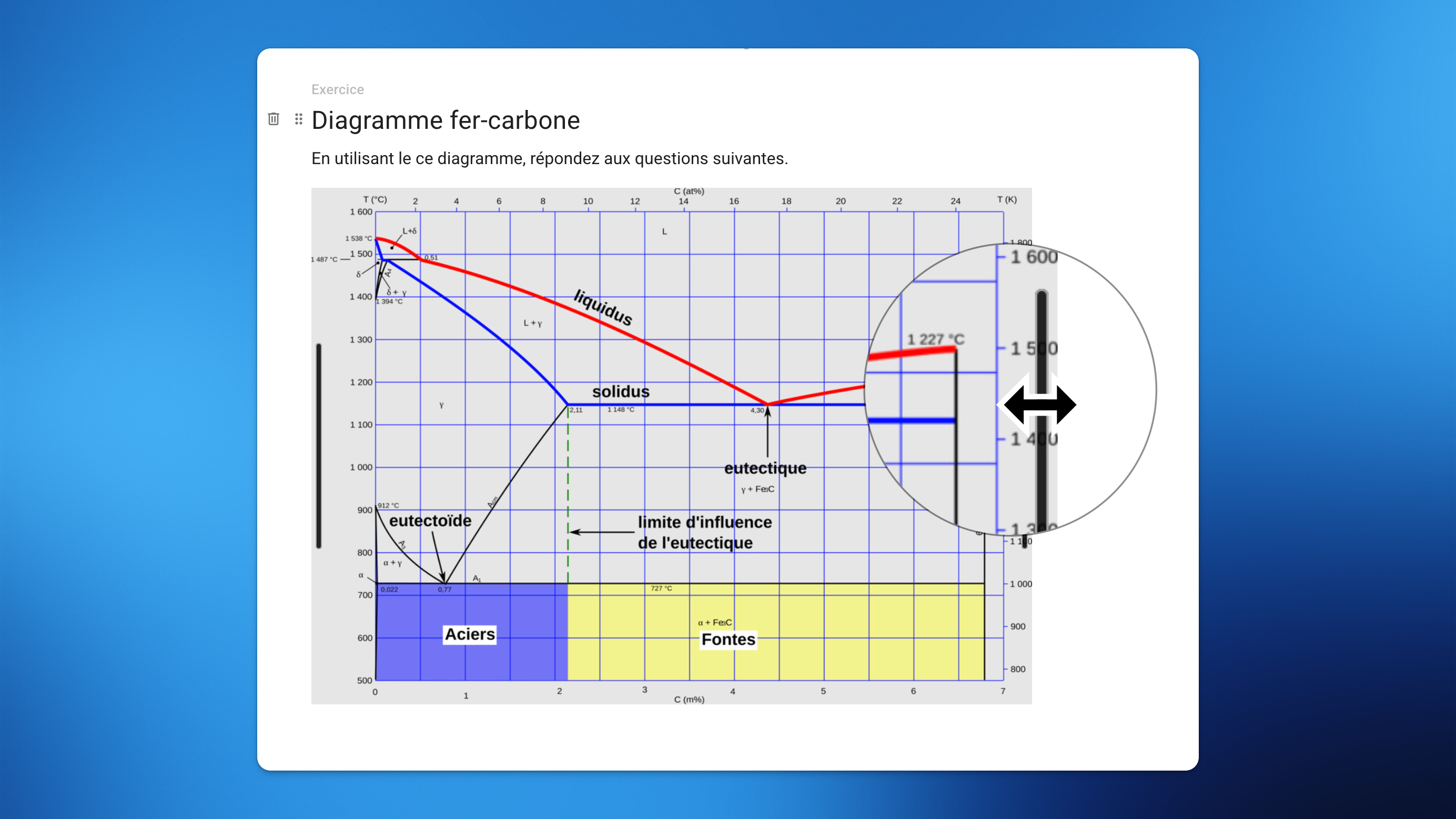
You can now resize images directly in your exam subject — easily and without any code.


🧮 Math Formulas

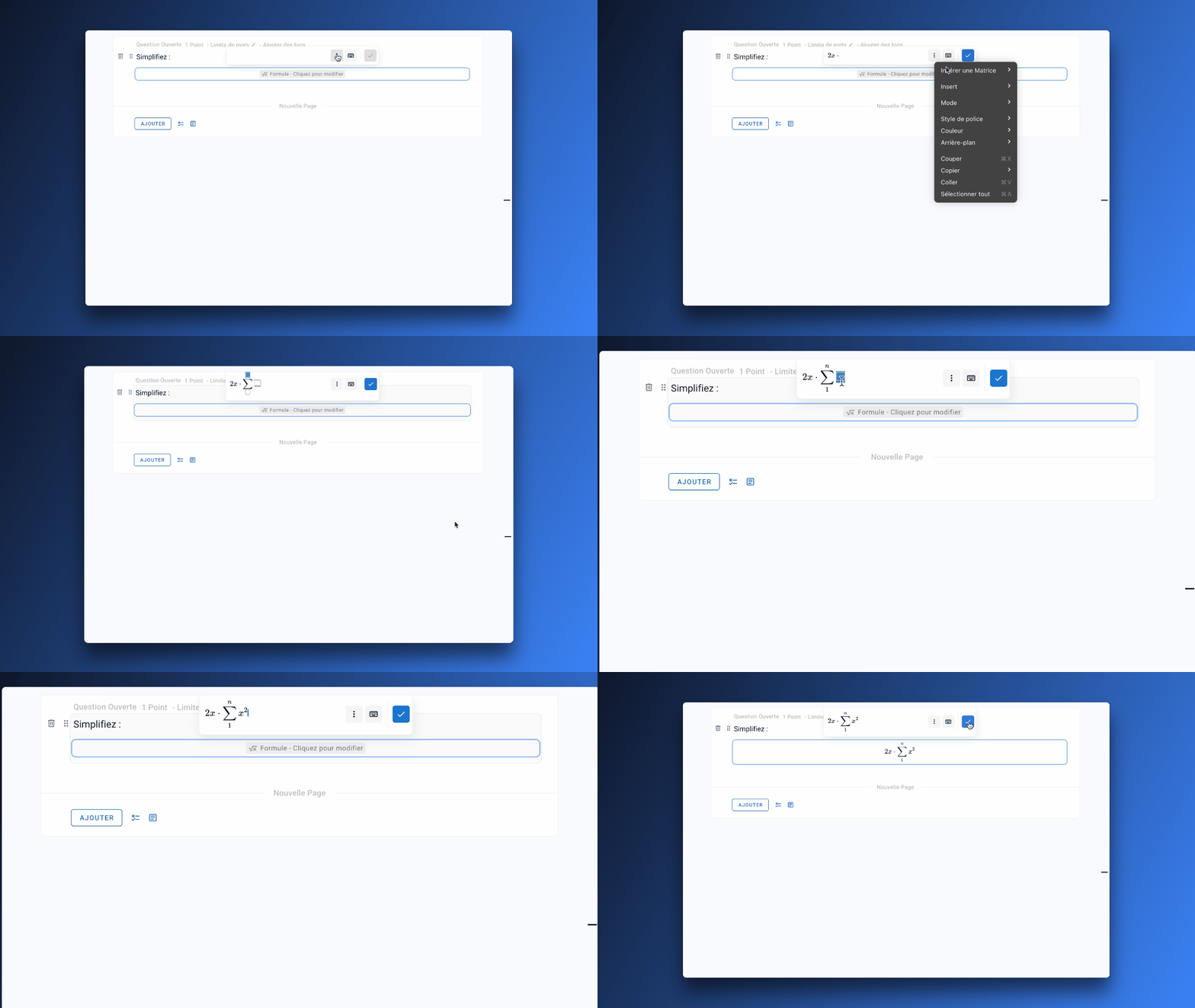
You can now write math formulas effortlessly thanks to the new visual formula editor.

A math keyboard is also available to insert symbols (fractions, powers, roots, integrals, etc.) without needing to know LaTeX.

Typing in LaTeX is of course still possible — and even more enjoyable now with auto-completion.


⚡ Quick Menu for Structuring Your Content

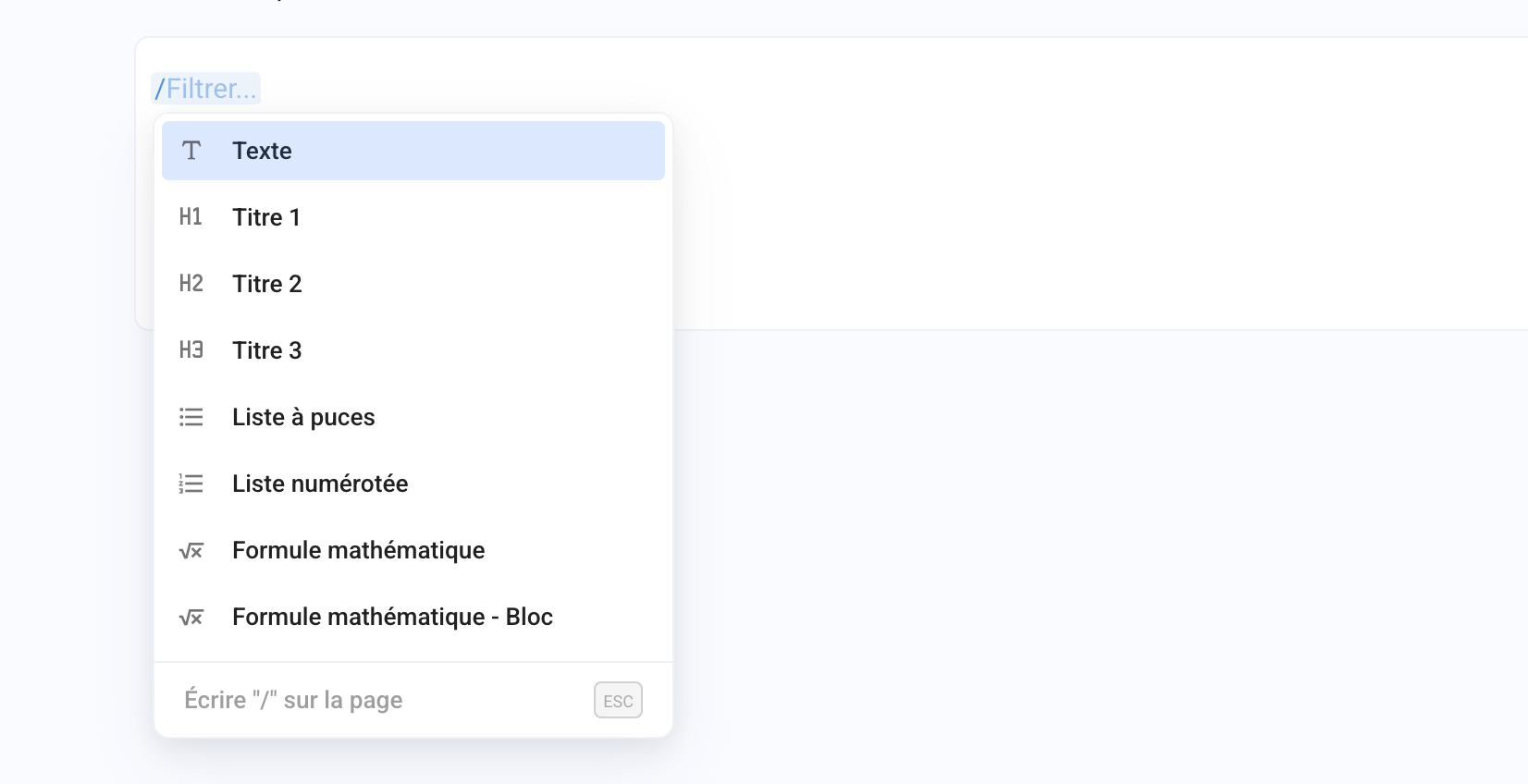
Type / to open a quick insert menu, allowing you to easily add elements such as images, math formulas, tables, or code blocks to your subject.


🧑‍🤝‍🧑 Real-Time Collaborative Editing

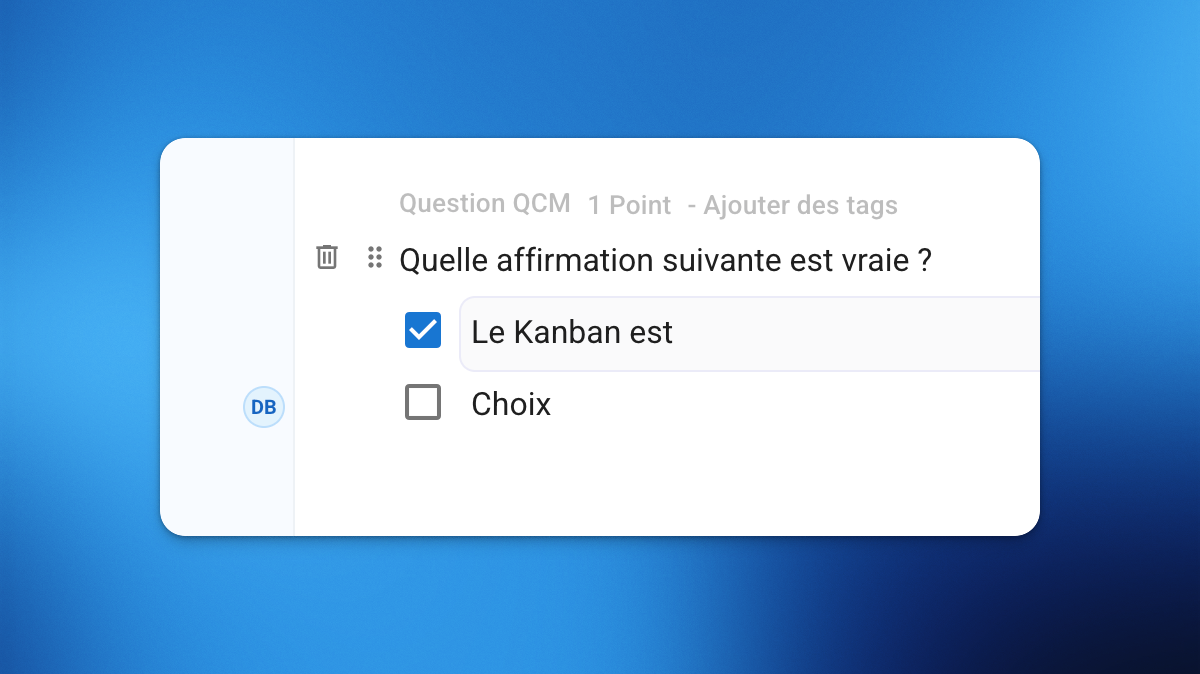
You can now work simultaneously on the same subject with your teammates.

You’ll see an indicator when another person is editing, and their changes are instantly saved and synchronized for everyone in real time.


⚡ A Faster Editor

Working on subjects is now significantly smoother:

  • Faster loading and navigation, even with hundred of questions

  • More responsive editing on subjects with 100+ questions

  • Instant saves

  • Up to 50× faster subject duplication


🧭 New Table of Contents for Easy Navigation

Quickly browse through your sections, exercises, and questions with the new Table of Contents.
It also highlights elements containing errors for easier access.


✨ A Clearer, Smarter Interface

The editor interface has been redesigned for focus and efficiency:

  • New shortcuts to create questions faster

  • Ability to duplicate any element (section, exercise, question, choice)

  • Easier drag-and-drop and reordering via option menus

  • Convert a question into an exercise (and vice versa)

  • Last modified dates now visible on every element


✅ And also:

  • Improved error detection and handling

  • A smoother, safer, and faster experience overall


This new editor helps you save time, reduce errors, and create complex exams more confidently.

It’s available right now for all your new exam subjects. 🚀

Earlier updates