Exam interface redesign
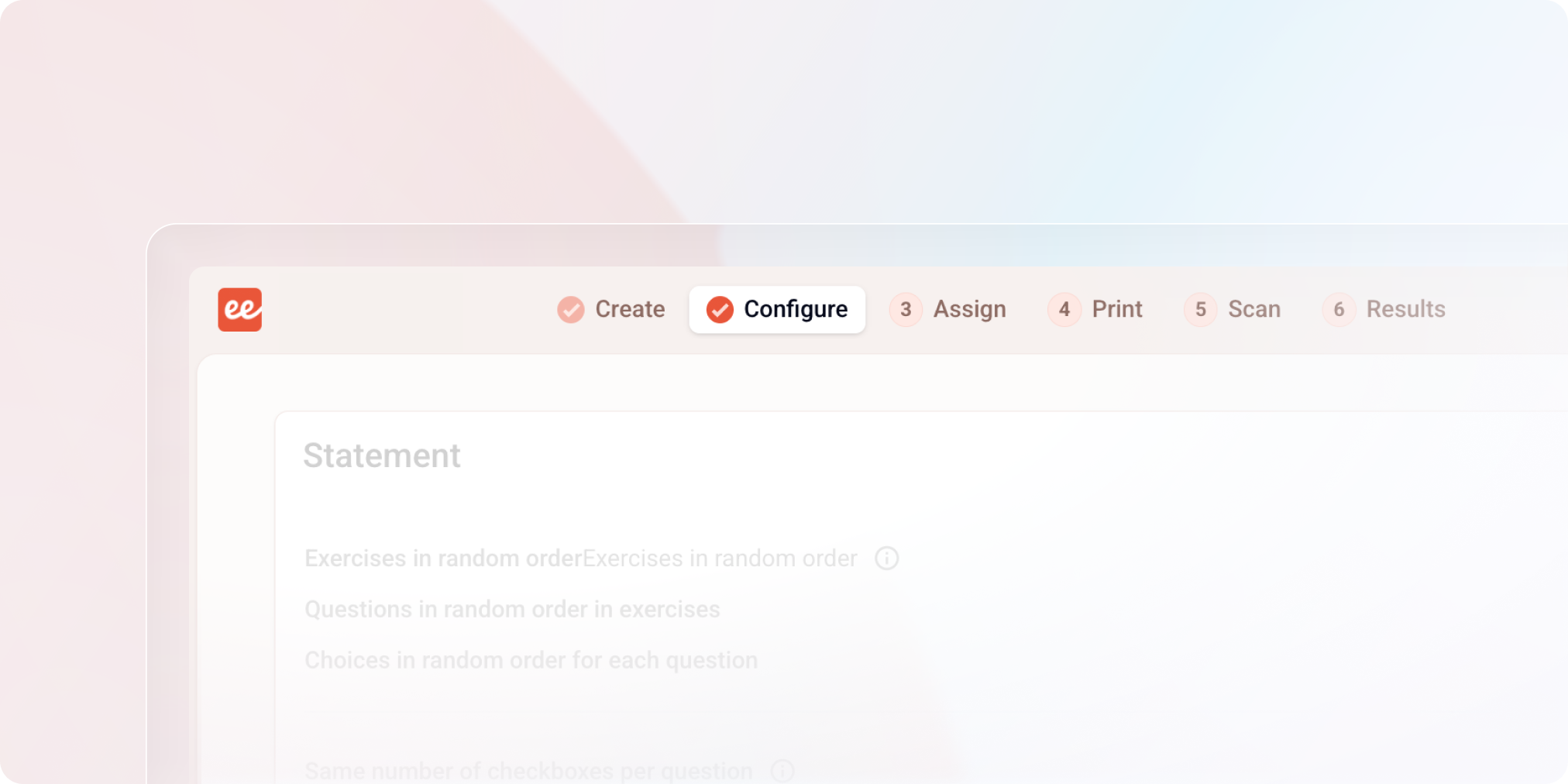
A redesign meant to free up space, make the exam lifecycle more readable, and lay the groundwork for what's coming next.
New color
Papeez is changing colors, moving from blue to coral orange. If you use both Evalmee and Papeez, you'll be able to tell at a glance which app you're on!
New navigation bar

Key steps move to the top of the screen. The left menu disappears to give more room to the content.
Exam outline always visible
A table of contents stays accessible at all times while creating your exams. Head to the preferences from your profile to position it on the right or left.
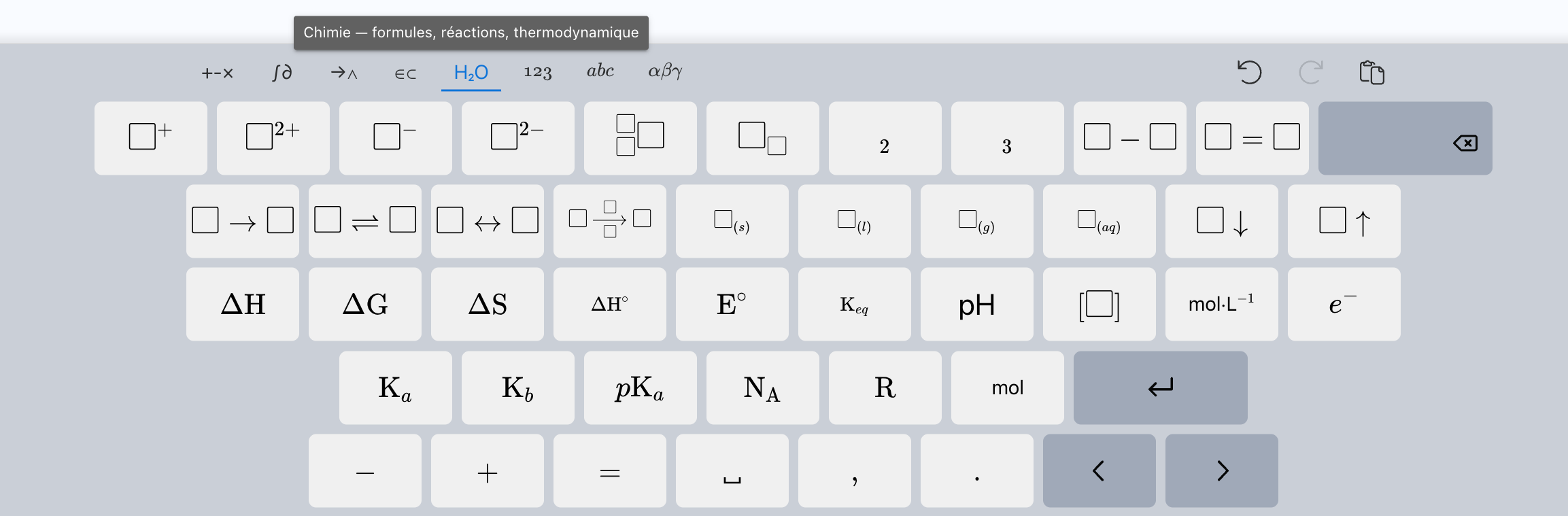
Math keyboard
New shortcuts added for math and chemistry formulas.
Edit MCQ scoring after the exam
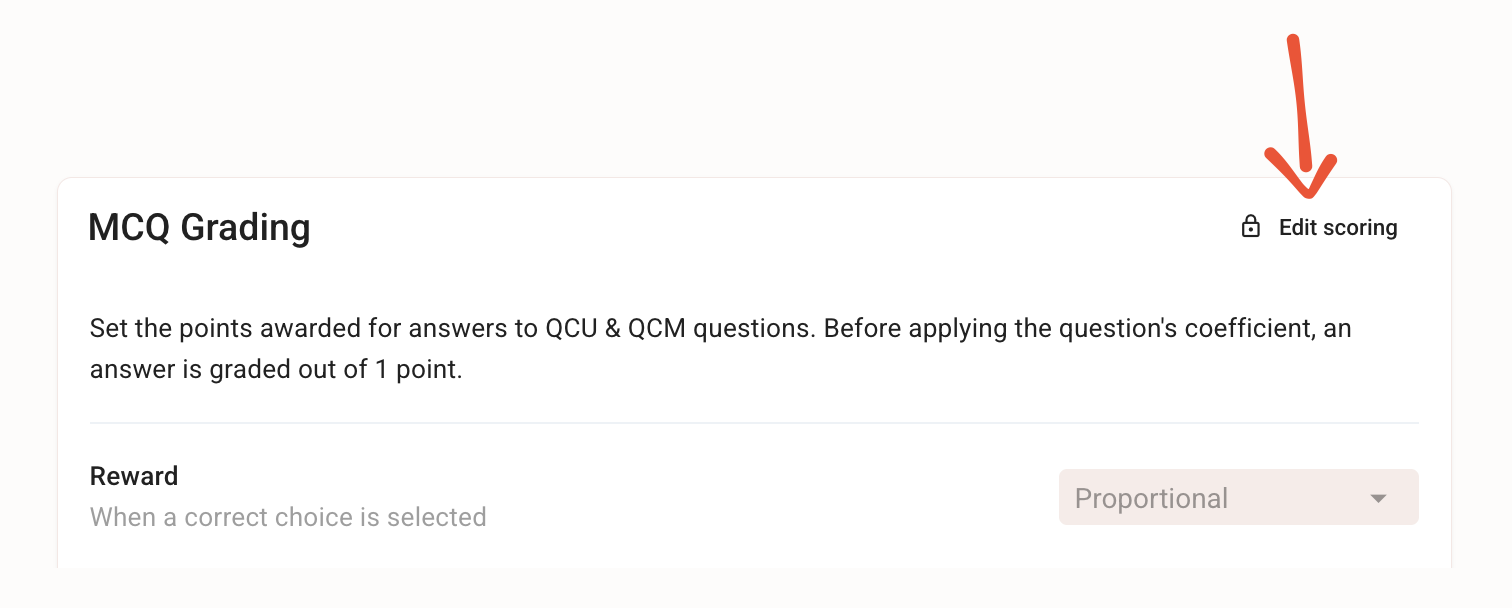
The most requested feature is here. Until now, a miscalibrated MCQ scoring meant Excel exports and manual recalculations to make up for it.
That's over: edit MCQ scoring at any time, even after students have taken the exam. Penalties too harsh, crushing all the grades? Scoring too generous, not reflecting actual performance? Adjust the point calculation rules, and all the MCQs in the exam are re-graded and the scores recalculated instantly. To finally reflect the scoring you had in mind.
Exam sharing changes on May 20, 2026
We've rebuilt exam sharing from the ground up, and a new interface will arrive in a few days.
To get ahead of the changes, you can check out the documentation and our recommendations starting today.
Reorganizing my exams with the new files - May 2026
✨ Other improvements
Exam editor:
error message added when removing a question coefficient
support for formatting in grading comments
support for adding images via copy/paste or drag-and-drop
Import examinees by email: support for comma-separated emails
Grading: added point gap relative to the average, and improved display
Settings: added a table of contents
Admin dashboard: improved ordering of exam search results
🐞 Bug fixes
Email invitations: improved reliability of email delivery status updates