Format subject into multiple columns
Here's how to lay out the subject on several columns to save paper
Written By Florian Barral
Last updated Almost 2 years ago
Global configuration
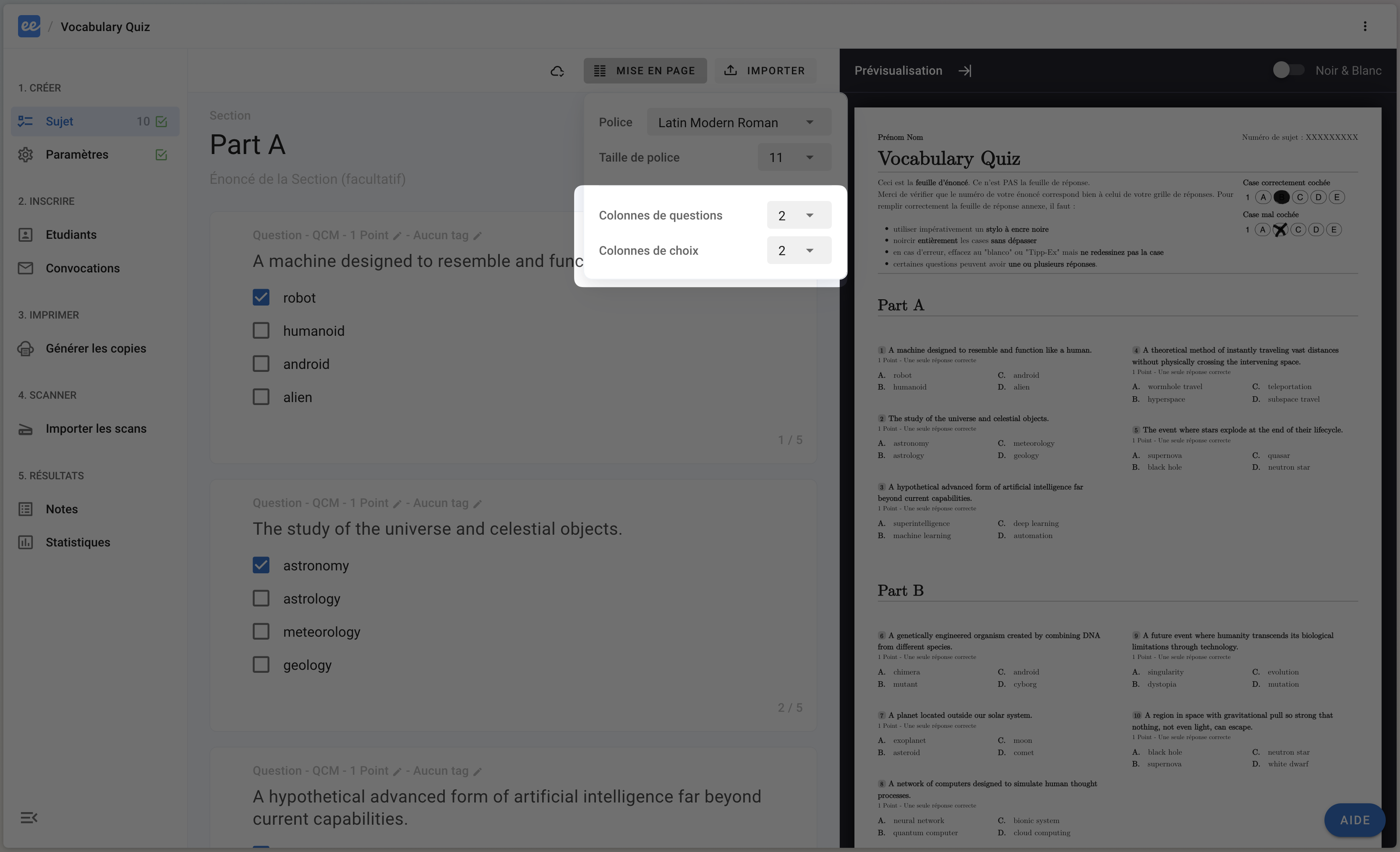
To change the layout of questions and choices to 1 or 2 columns, click on LAYOUT in the subject editor and then select 1 or 2 as the number of columns for:
choices in questions
questions in exercises (if any exercises)
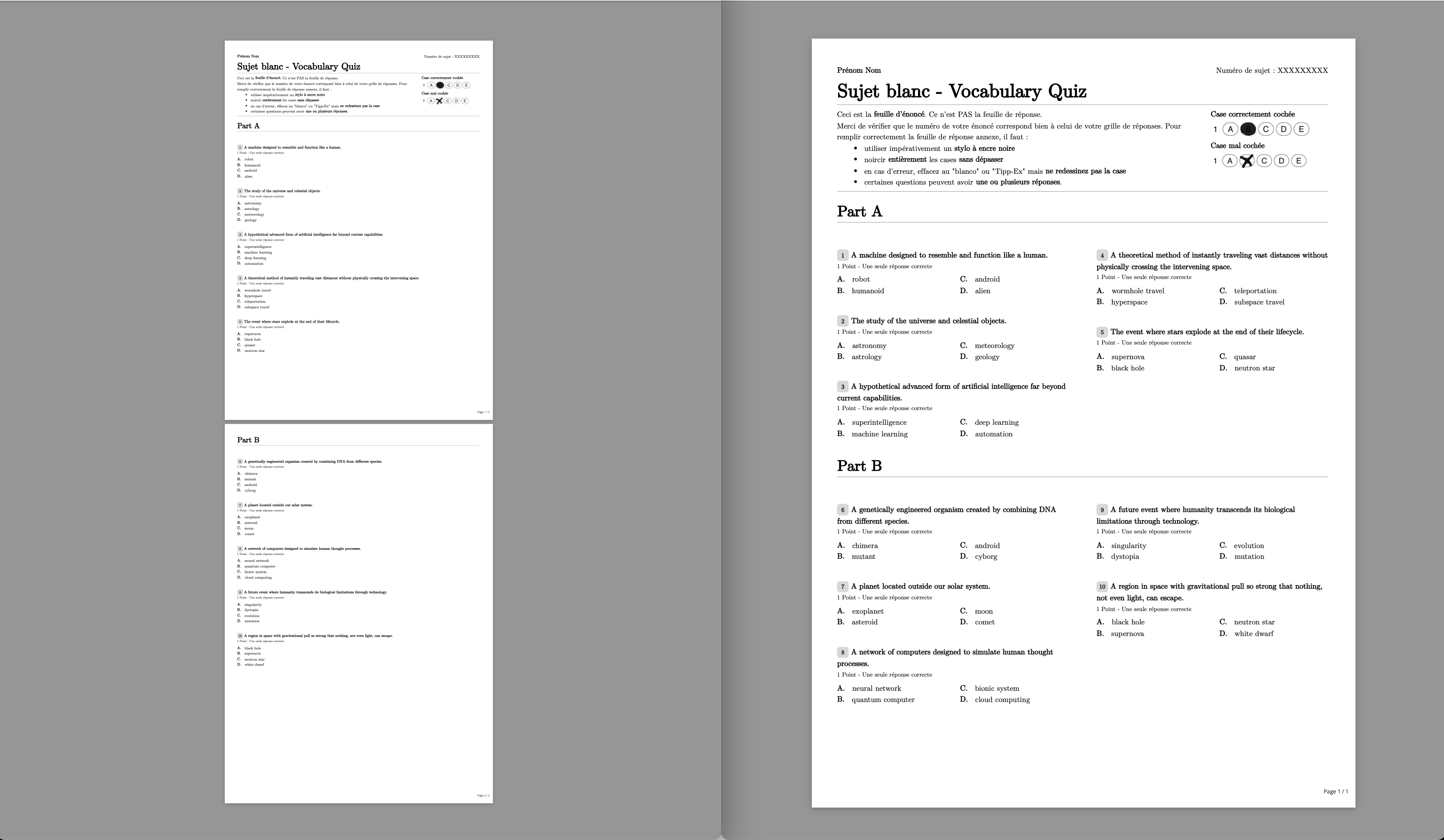
This can enable you to print 2 times less paper. Here's a concrete example:
Local configuration by question or exercise
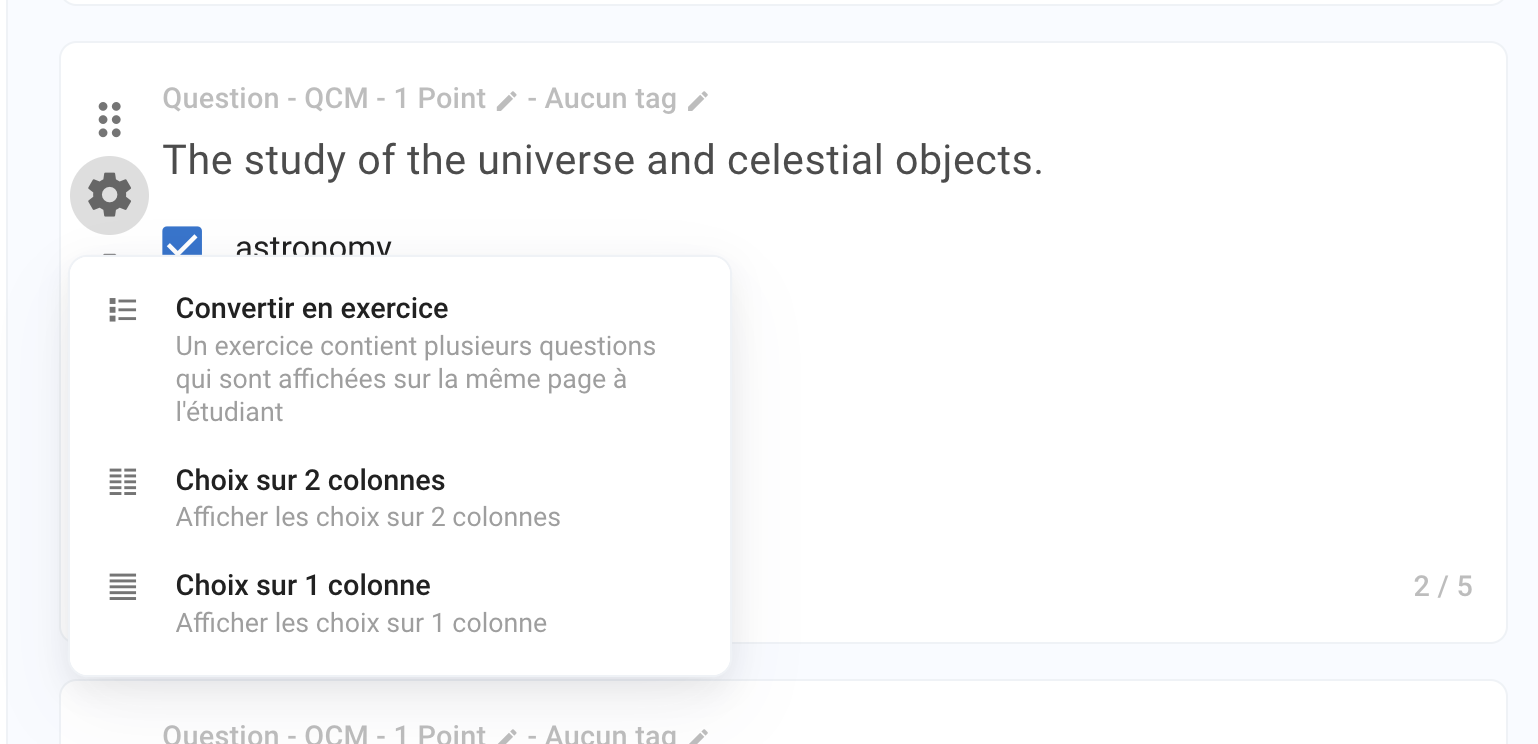
To further customize the layout, you can define it at the level of each question and exercise. Local configuration pre-empts global configuration.
At question level
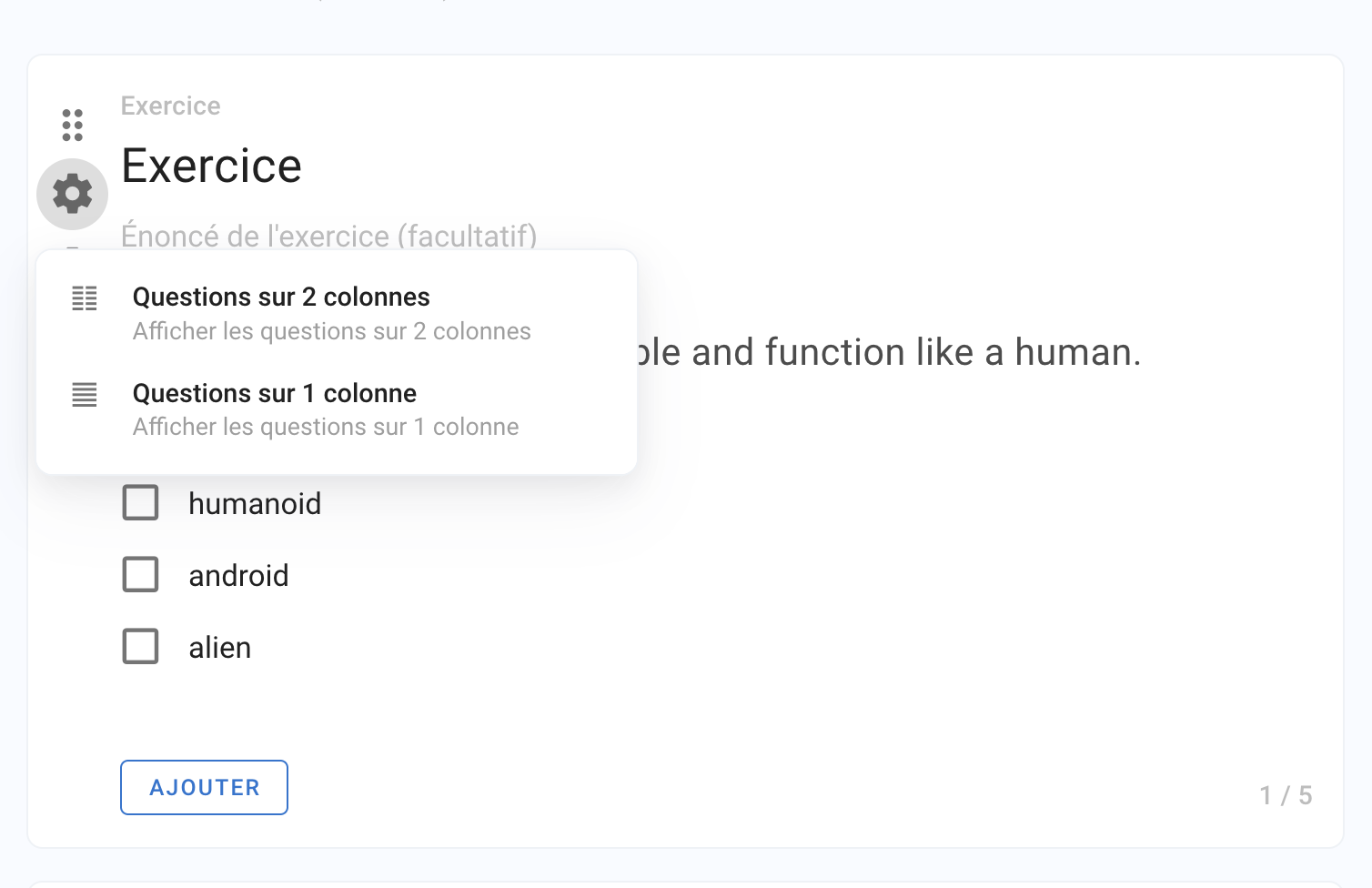
At exercise level