Track your grade usage
What counts as a grade ("50 grades / month") and where to track your usage on the Usage page.
Written By Florian Barral
Last updated 9 days ago
Your plan includes a number of grades per month. This article explains what counts as a grade and where to track your usage.
What counts as a grade
A grade is counted when a scanned answer sheet is analyzed, matched to a participant and graded. In other words: one graded copy = one grade.
The number of exams is unlimited. Only graded copies count, whatever the exam.
The quota is shared by all your exams. "50 grades / month" means 50 graded copies in total over the month, not 50 participants per exam.
Copies printed but not scanned don't count. Generating or reprinting copies uses no grades.
A copy is counted only once. Rerunning the analysis, changing the participant of a page or correcting a box uses no new grade.
A counted grade is not refunded if you archive the page, reset or delete the exam.
Your monthly quota
The grades included in your plan renew at each monthly billing period. Unused grades don't carry over to the next period.
Beyond the quota, grading continues: the extra grades are counted as overage and billed at the end of the period.
During the free trial
The free trial lasts 14 days and includes 50 grades. Copies graded beyond that are analyzed, but their grade shows Grade not available until you choose a plan.
Track your usage
The Usage page is reserved for the organization's administrators.
Open your settings, Administration section.
Click Usage.
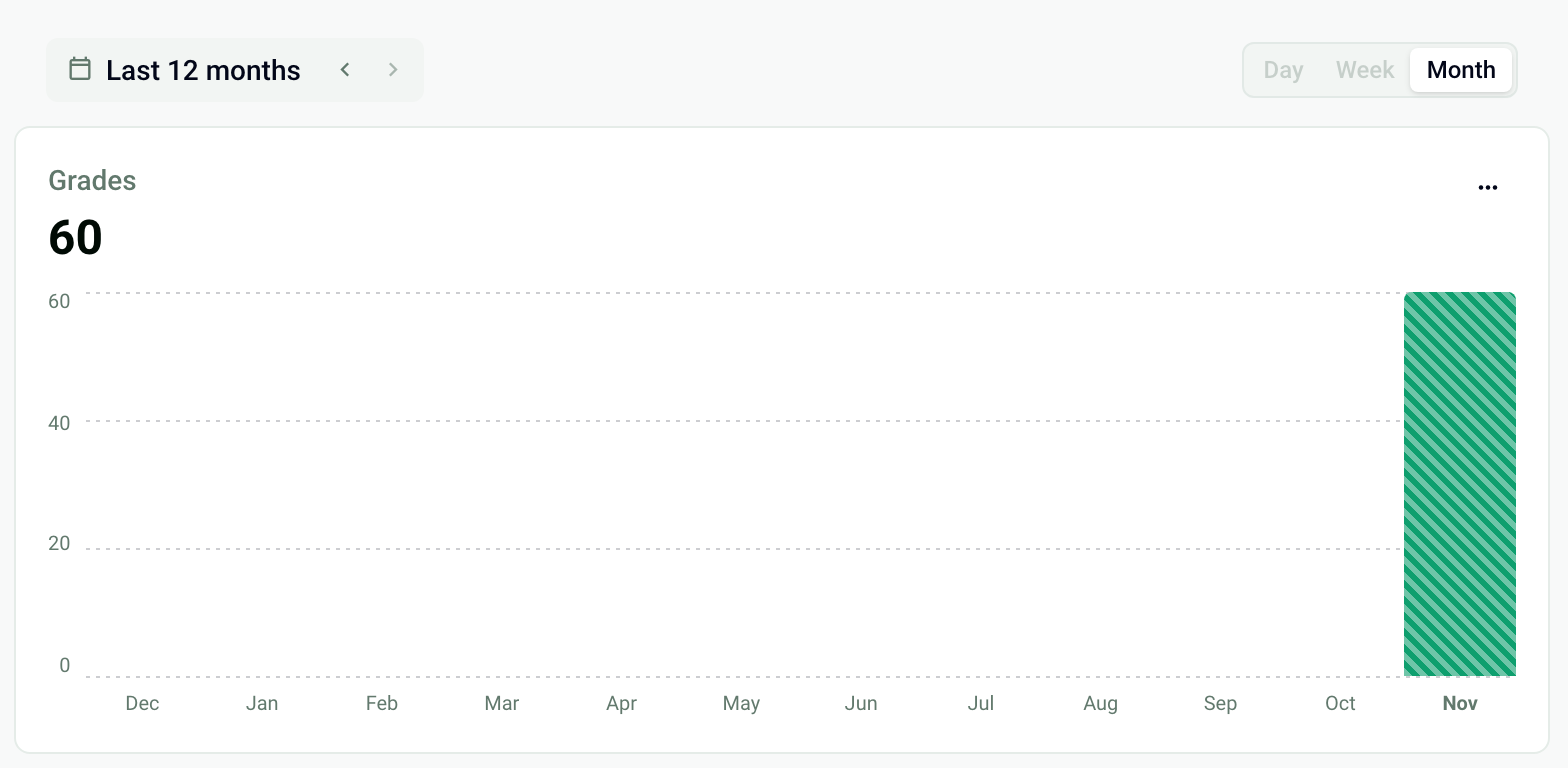
The Grades chart shows the graded copies over the chosen period (Last 12 months by default), by Day, Week or Month. The second chart counts the participants assessed: a participant graded several times is counted only once. With an active subscription, the Current billing period block shows the grades used against your quota.
Frequently asked questions
What does "50 grades / month" mean?
What does "50 grades / month" mean?
You can have 50 copies graded per month, across all exams. For example: one exam with 30 participants and another with 20. The number of exams and of printed copies is not limited.
Is a copy scanned twice counted twice?
Is a copy scanned twice counted twice?
No. The second page is flagged as Duplicate and is not graded. Archive it. See Handle the pages to review.
Do a nominative copy and an anonymous copy count the same?
Do a nominative copy and an anonymous copy count the same?
Yes: each graded copy counts as one grade, whatever the copy type.
Was this helpful?
Still need help? Ask the team